
You can download all our available design files and mock-ups here: Mock-ups
If you're looking to get mock-ups of your products you can either use our generated images by following these steps:
- In design generator select "Preview"
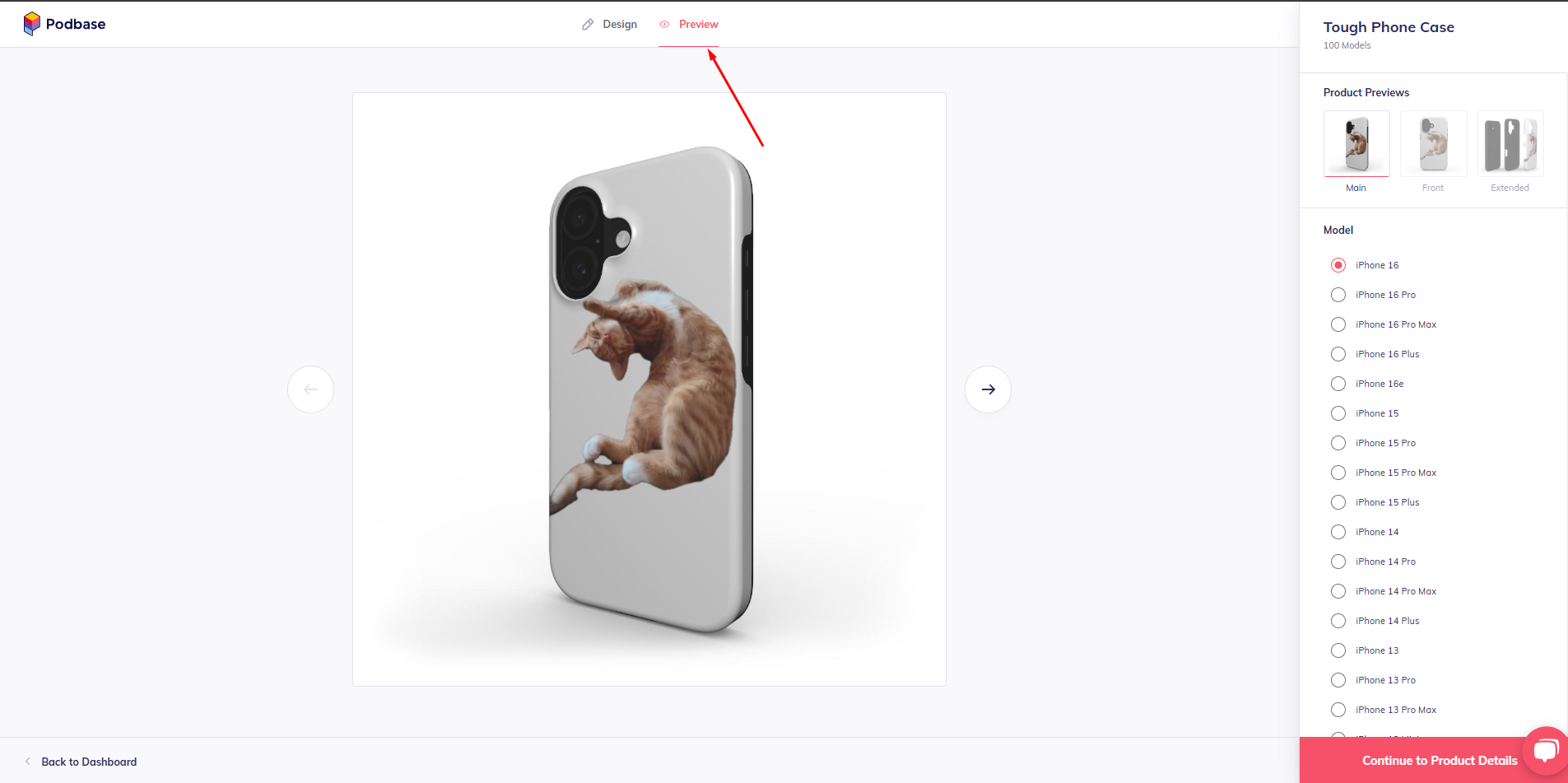
- Right-click the image and select "Save image as"
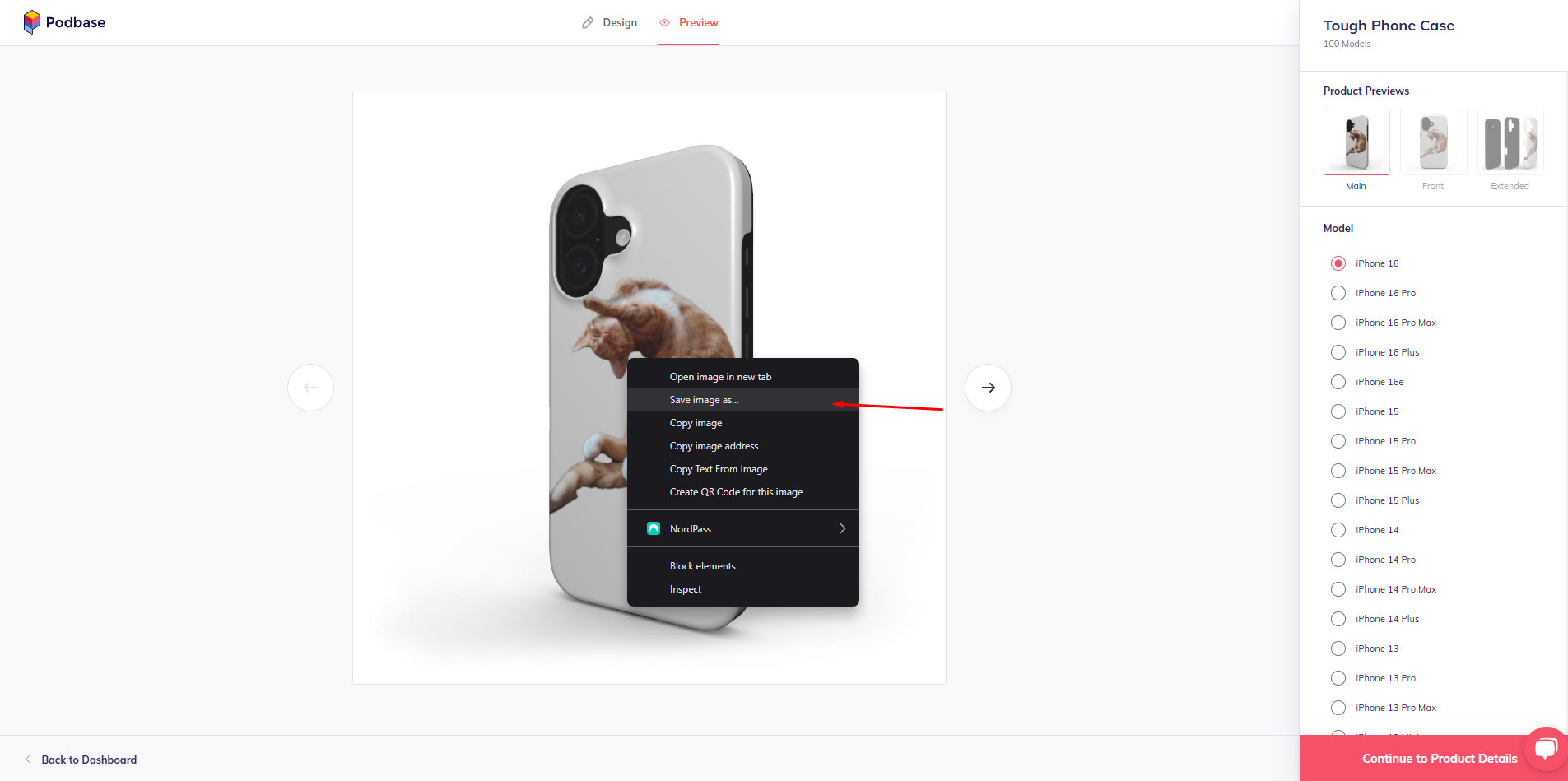
- Save the image by adding ".png" or ".jpg" next to the file name (mydesign.png / mydesign.jpg)
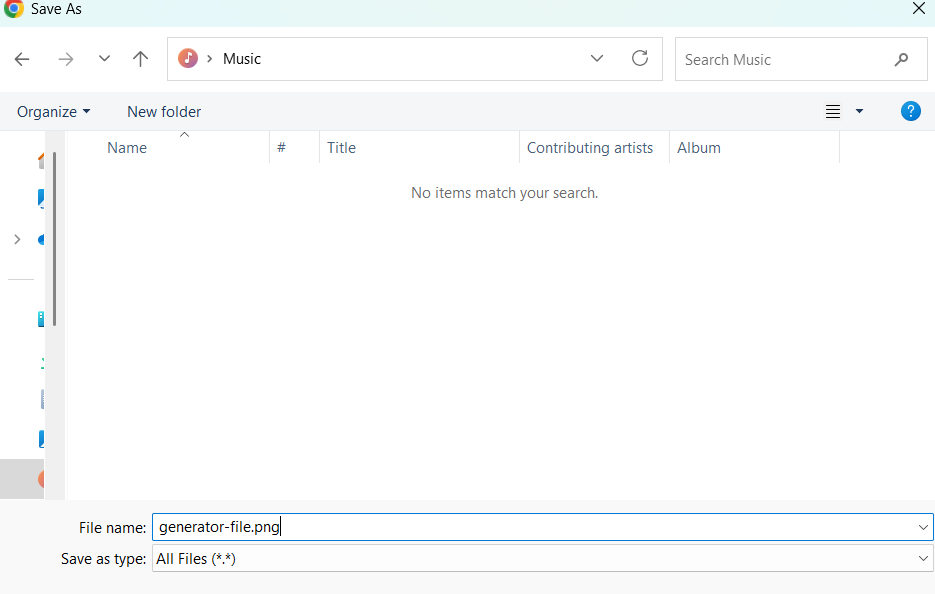
- If you skip adding .png or .jpg to the filename, your saved file won’t display correctly and will appear as a broken image link.
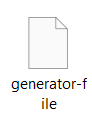
- When you include .png or .jpg at the end of your filename, your file will display properly just like this!
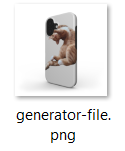
- If you skip adding .png or .jpg to the filename, your saved file won’t display correctly and will appear as a broken image link.
- Continue the same steps for all the mock-ups you need!
Comments
0 comments
Article is closed for comments.